 doDev – Admin & Dev Toolkit for Salesforce
How to find any metadata in a Salesforce org
Short answer: Setup’s Quick Find searches the Setup menu, not your metadata. To find a field, a flow or an Apex class you open Object Manager, the Flows list or Apex Classes and search each one. doDev, a free Chrome extension, searches all of them from one box and opens one page with everything about the item.
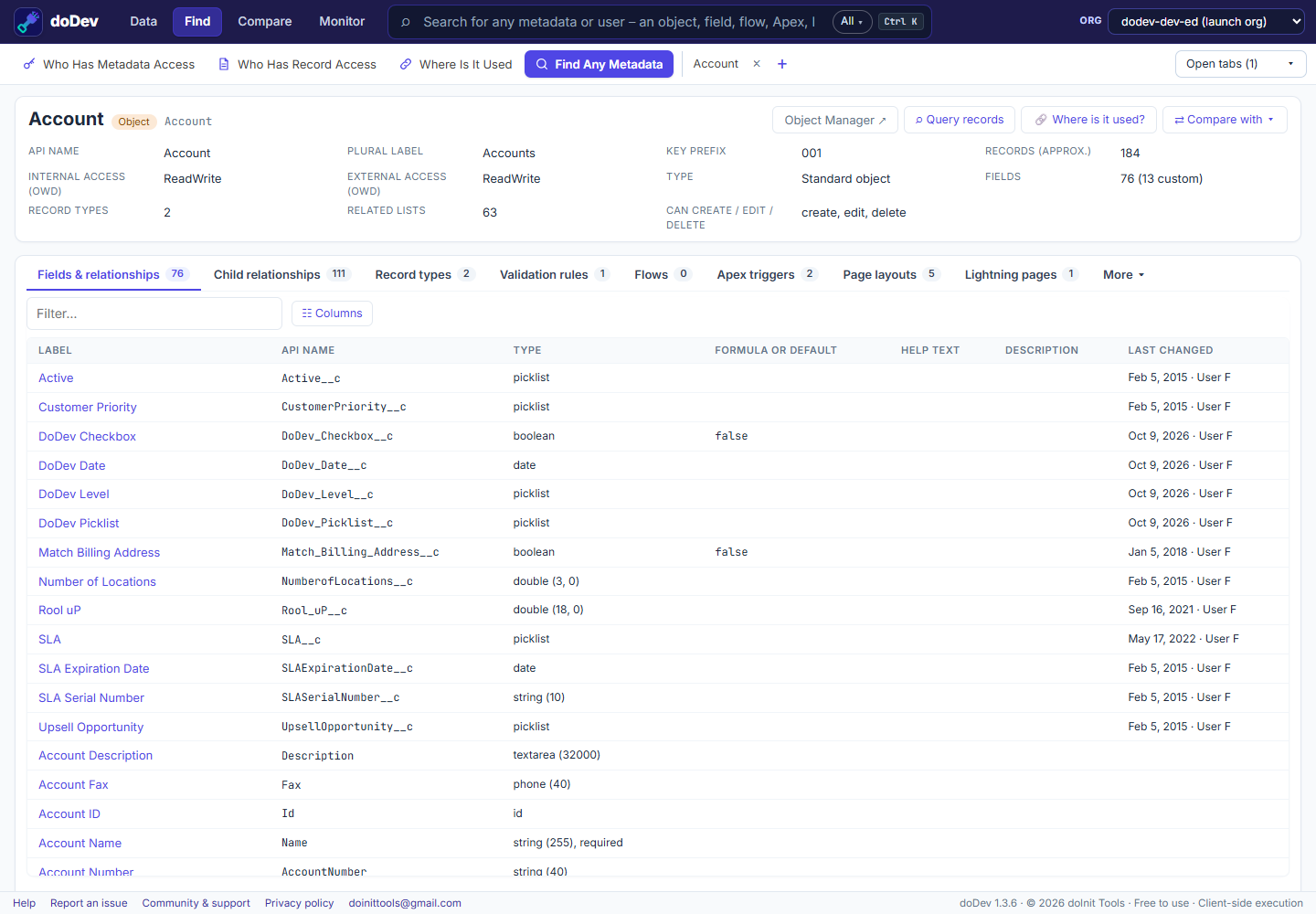
Find it with doDev
- Install doDev and open it from the toolbar while you are logged into Salesforce.
- Press Ctrl+K (⌘K on a Mac) or click the search box at the top.
- Type part of a name – an object, field, flow, Apex class or trigger, LWC, Aura, Visualforce page, profile, permission set, user, role, group, custom label, static resource, email template, Lightning page or validation rule. Results show as they arrive; All ▾ narrows to one type.
- Pick a result to open its page.
Each page has the details and tabs that fit the item:
- An object – its fields (type, formula or default, help text…), page layouts and their assignments, record types, list views, buttons and more.
- Code (Apex, triggers, LWC, Visualforce) – with line numbers and colours, and Find in file.
- ⇄ Compare with ▾ – the same item in another org you are logged into, side by side.
- A managed package’s items show their namespace, so two with the same name are easy to tell apart.
Doing it without a tool
- Setup → Quick Find – finds Setup pages, not your fields or classes.
- Object Manager, Flows, Apex Classes, Custom Labels… – each has its own list and search.
- Tooling API – queries such as
SELECT Id, Name FROM ApexClass WHERE Name LIKE '%Invoice%'.
More how-to guides: all guides · doDev help